TESTS & EXPERIENCES
Delock 91021 review: 120 GB in about two minutes
A compact USB-C card reader for CFexpress Type B with a 40 Gbps interface
After a day of photography, I want to quickly transfer my images to my computer. This is exactly where the Delock 40 Gbps USB Type-C card reader for CFexpress Type B comes in. In my copy test with a 256 GB SanDisk Extreme PRO, 120.01 GB were completely transferred in about two minutes. For my photographic workflow, this is a pleasingly short transfer time from the memory card to the image archive.
My practical application
120.01 GB copied completely in approximately two minutes.
The memory card
SanDisk Extreme PRO CFexpress Type B 256 GB.
The interface
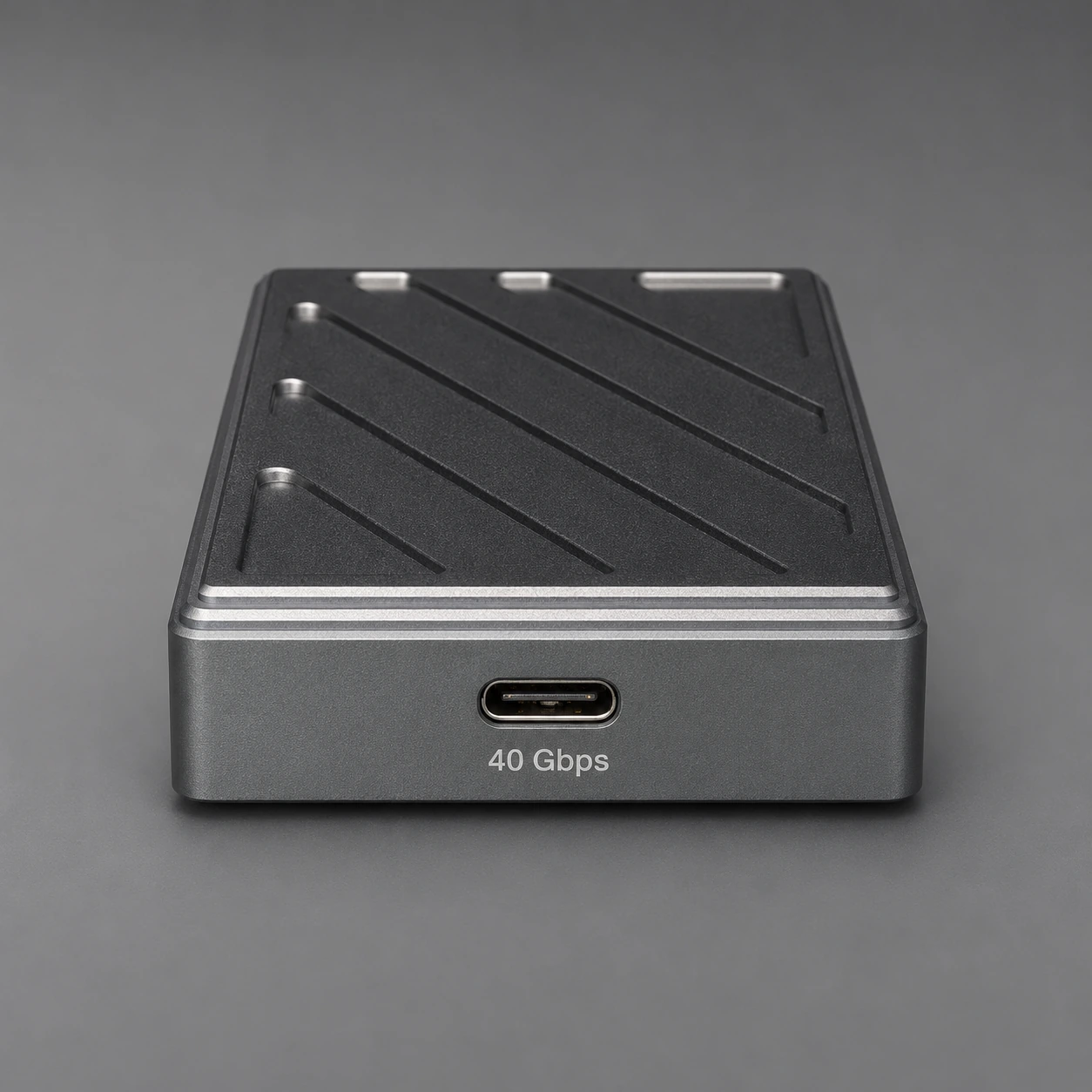
USB Type-C with speeds up to 40 Gbps according to the manufacturer.
The case
Compact aluminum housing, one card slot, one USB-C port.
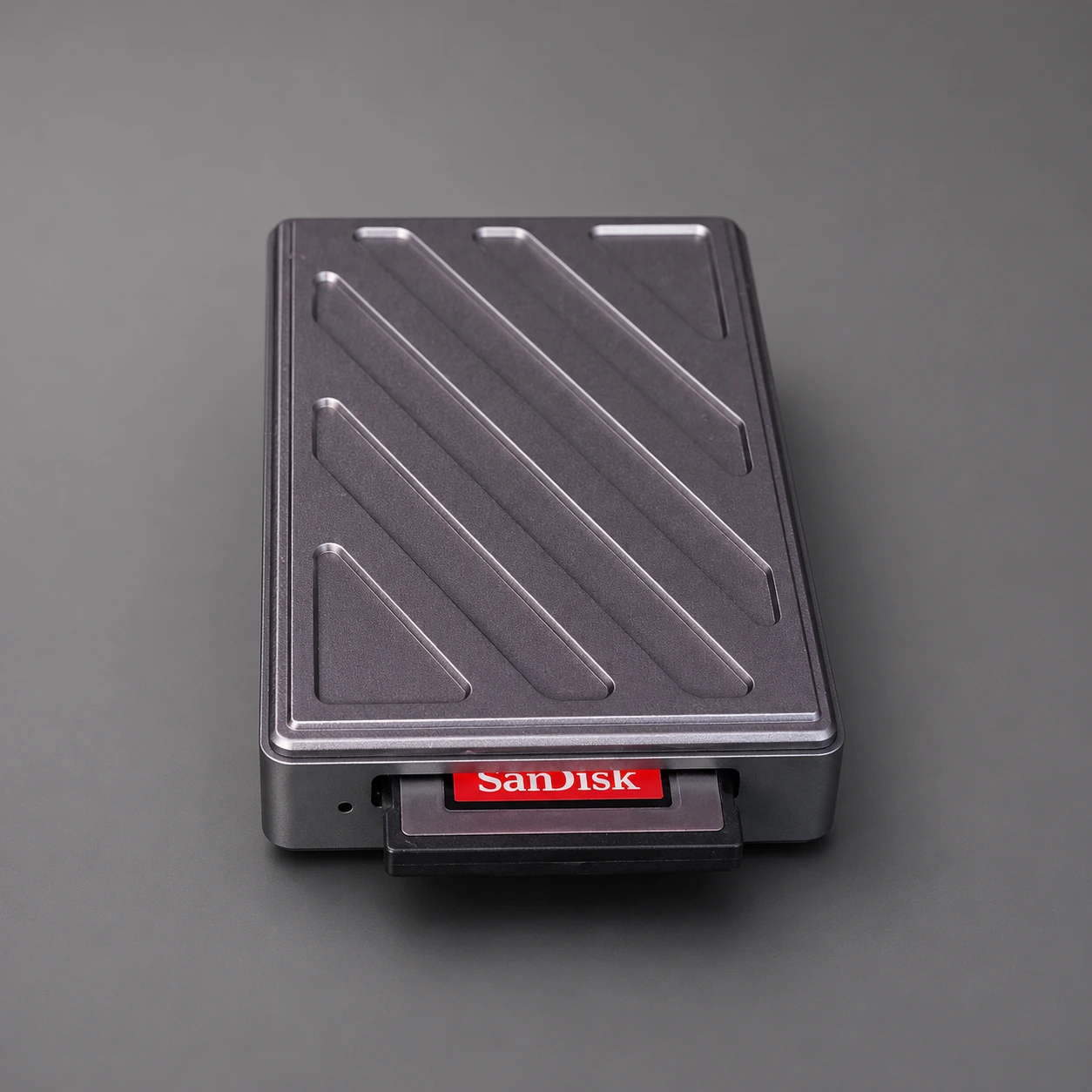
Less waiting time after taking photos
Especially when photographing animals, you quickly end up with a large number of files. Burst shots and large RAW files first need to be transferred from the card to the computer after shooting. I'm particularly interested in how a card reader performs with my actual file sizes.
The Delock is focused on this one task: reading and writing CFexpress Type B cards. It doesn't offer an additional hub or further card slots. This clear layout makes transferring my CFexpress photos pleasantly straightforward.
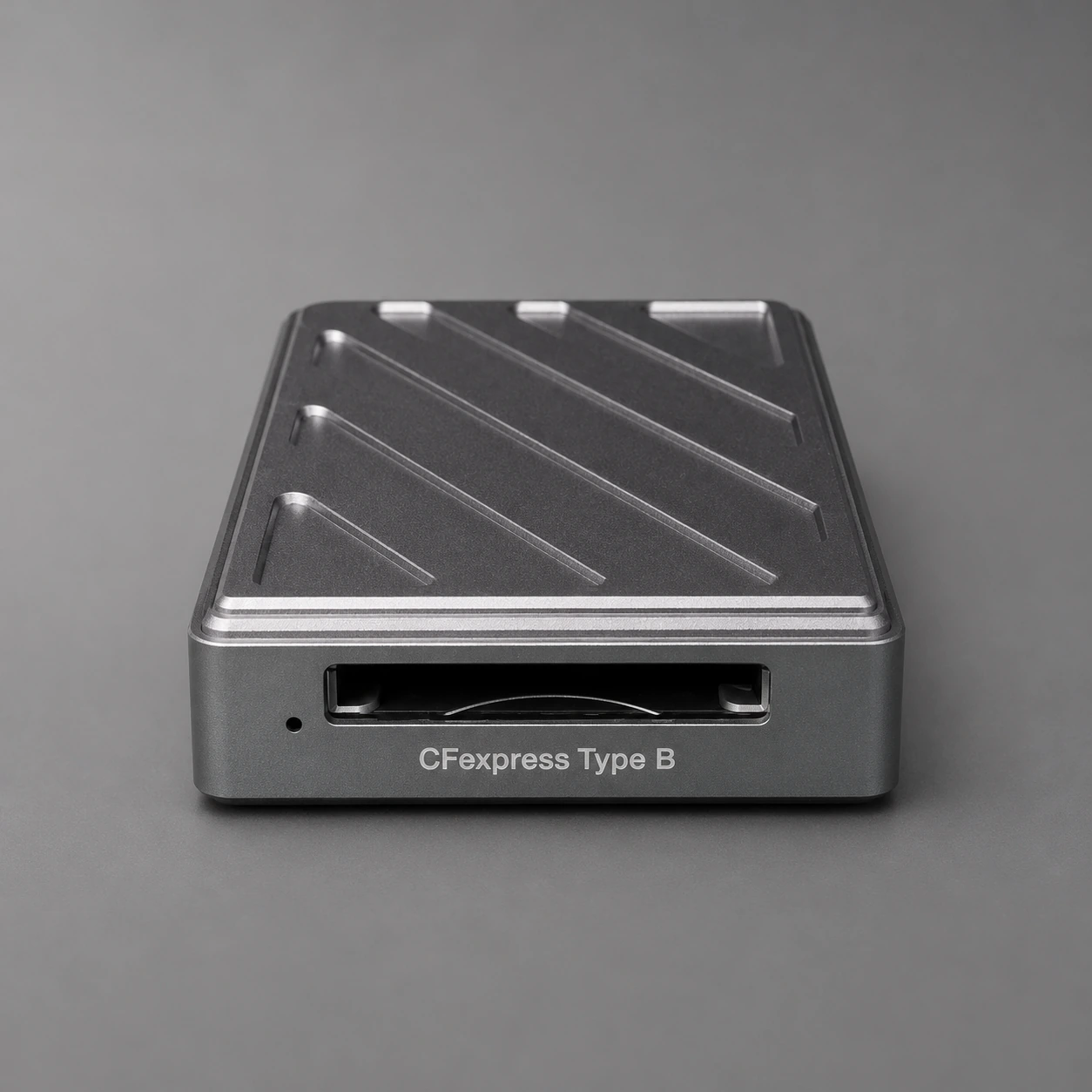
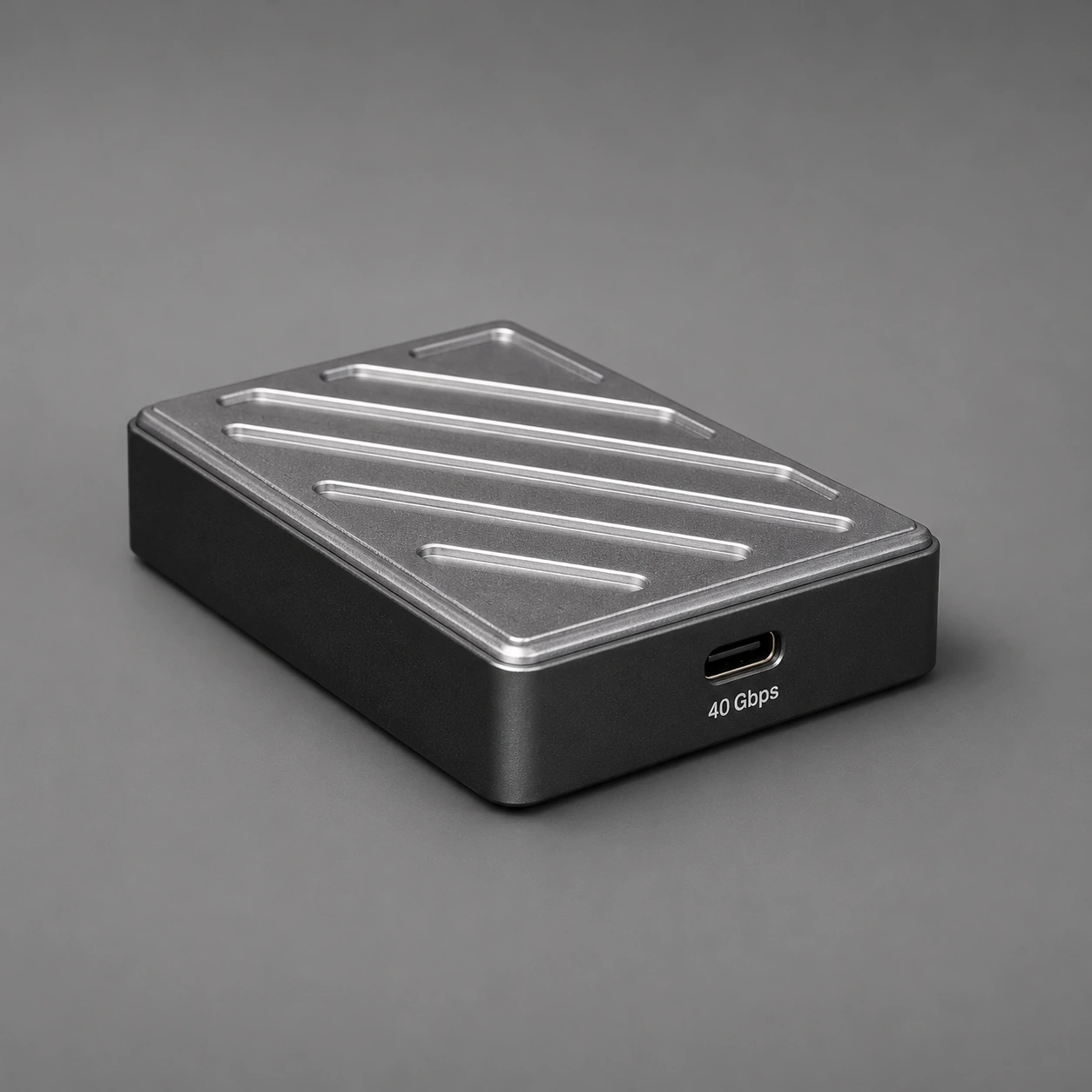
Compact metal case for the camera bag
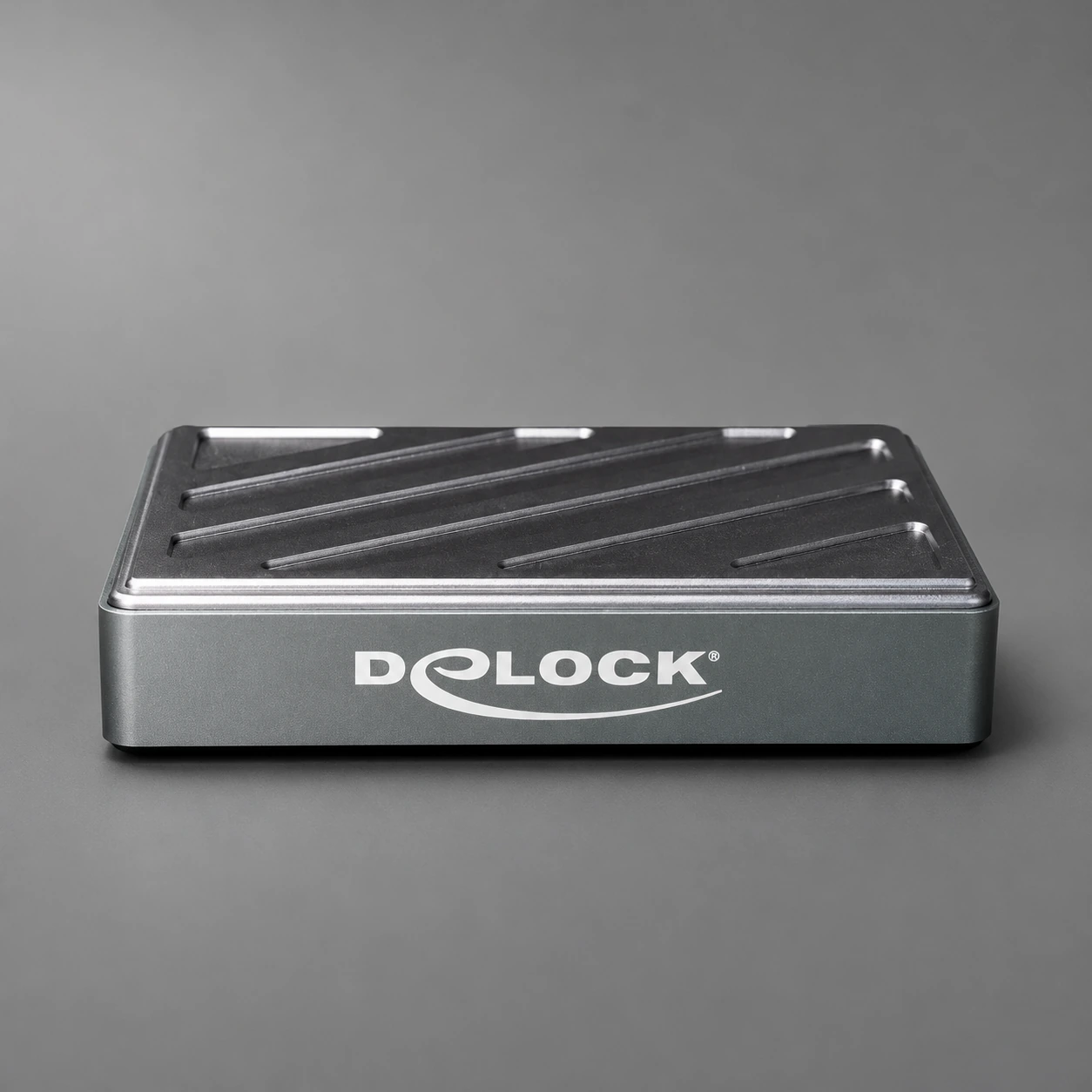
My pictures show the grey metal casing with its distinctive diagonal indentations. Delock specifies aluminum as the casing material and dimensions of approximately 75 × 50 × 14 mm. This keeps the card reader compact and allows it to be stored with other computer accessories.
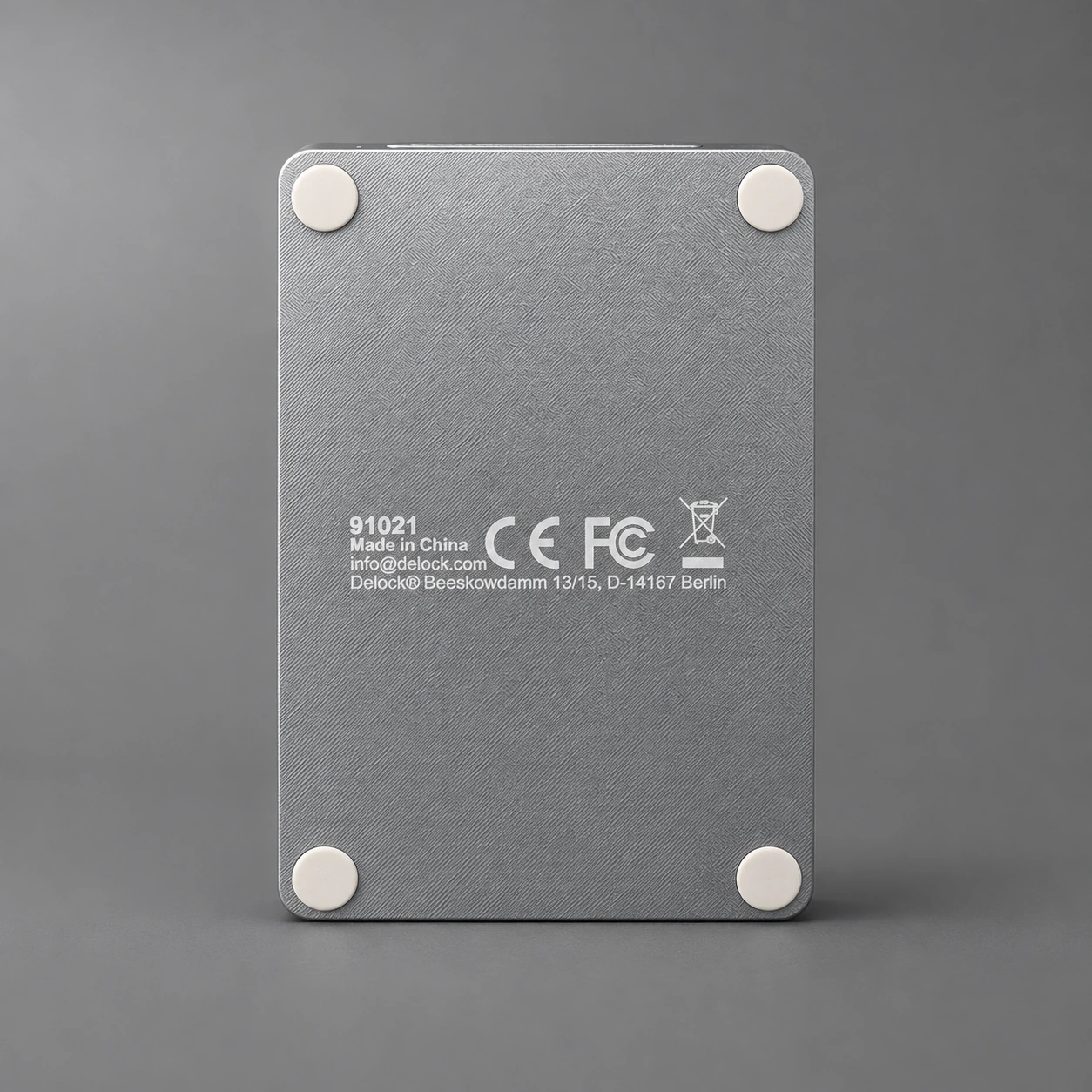
The underside has four feet; the model number 91021 is also printed there. According to the manufacturer, power is supplied via USB. A separate power adapter is not included. The manufacturer also describes a push-to-push slot, where the card is locked in and released by pressing.
My copy test: 2,773 objects and 120.01 GB
For the practical test, I used a 256 GB SanDisk Extreme PRO CFexpress Type B drive. Using Finder, 2,773 files totaling 120.01 GB were copied to the "Downloads" folder. The entire process took approximately two minutes, according to my observations.
For me, this is the most illustrative figure from this test: A large collection of photos is transferred to the computer within a short time. From 120.01 GB and approximately 120 seconds, this results in a rough average data rate of about 1 GB/s. Since the time was only recorded approximately, this calculated value is also a rough estimate.
The screenshot shows an interim result at 23.35 GB of the 120.01 GB transfer. The displayed "approximately 2 minutes" is the Finder's estimated remaining time at that time. My statement regarding the total copy duration is based on my observation of the entire process, not on this remaining time indicator.

Blackmagic Disk Speed Test: The displayed values
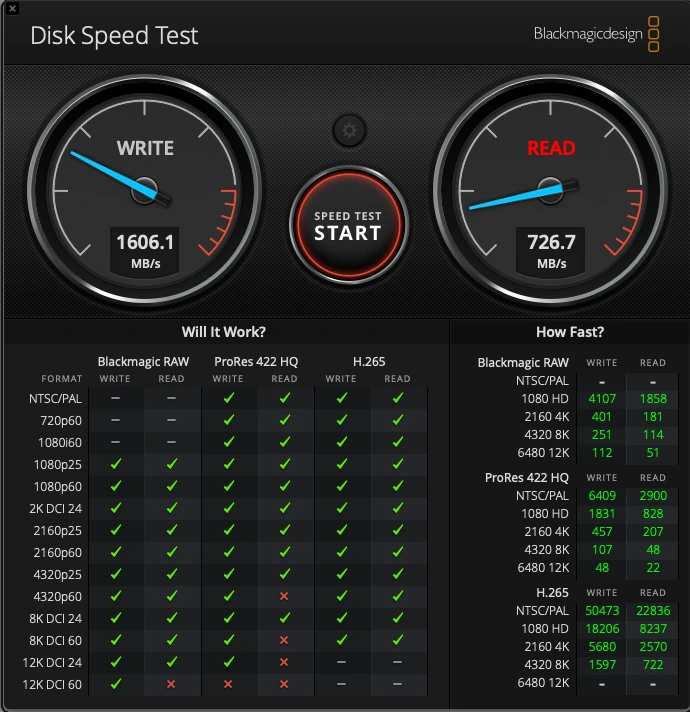
I have also taken a screenshot of the Blackmagic Disk Speed Test. It shows 1,606.1 MB/s for writing and 726.7 MB/s for reading. I am adopting these two values exactly as displayed.
A benchmark and a copy operation with many image files represent different processes. The Blackmagic screenshot does not specify the selected target drive or the test file size. Therefore, I am treating the display as a supplementary snapshot of my test and not as a fully documented maximum performance test of the card reader.
The approximate average of the Finder transfer and the displayed Blackmagic read value cannot be directly reconciled with the available information. I cannot infer from this a guaranteed speed or an advantage over other readers. For me, the decisive practical experience remains the fully completed copy test.
| Test | Result | Classification |
|---|---|---|
| Finder Copy | 120.01 GB · 2,773 items · about 2 minutes | Total duration as observed |
| Blackmagic Write | 1,606.1 MB/s | Display in the included screenshot |
| Blackmagic Read | 726.7 MB/s | Display in the included screenshot |
40 Gbps: Understanding the Interface and its Practical Application
The 40 Gbps refers to the maximum nominal data rate of the USB interface. It is not a guarantee that every memory card will deliver files at this speed. The computer connection, cable, card performance, and target drive all work together to determine how fast a transfer actually is.
USB-C primarily describes the connector type. For the high interface bandwidth, the port used and the cable must also support the corresponding data mode. A USB-C port alone is therefore not sufficient as a speed indicator.
According to Delock, the 91021 model has a CFexpress 2.0 Type B slot. Therefore, the 40 Gbps rating should not be mistaken for a blanket guarantee of full performance for every newer CFexpress card. I have not conducted a separate comparison of different card generations here.
MY VERDICT
A focused helper in transferring my recordings
In my practical test, the Delock 91021 fulfilled one clear task: transferring a large number of photos from the CFexpress card to the computer. 120.01 GB in approximately two minutes is a convincing result for everyday photographic use.
I like the straightforward design with a CFexpress Type-B slot, USB-C, and compact aluminum housing. Anyone using these specific cards will find this reader to be geared towards data transfer. My assessment is based on the described copy test; I did not separately measure long-term performance or heat generation.
For me, the short waiting time for the actual import is crucial – and that's exactly where the Delock made a good impression in this run.
Technical specifications regarding housing, dimensions, interface and card slot: Delock data sheet, model 91021. Own pictures and screenshots from the practical test on November 24, 2026.