TESTS & EXPERIENCES
StationPC PA100 Pro in the test: Good idea, but not thought through
Mobile photo backup with great promise - and an experience that shook my confidence
Back up memory cards on the go without a laptop, view photos on your cell phone and easily copy them at home: The StationPC PA100 Pro sounds like an extremely good solution for photographers. That's exactly why I bought it myself. In my experience with the MacBook, however, I was disappointed by the complicated connection, a very long transfer attempt and, above all, the data that could no longer be found afterwards.
The good idea
A portable NAS with built-in battery, memory card backup and app access. I want my pictures to be saved on the go and then easily copied.
My test setup
PA100 Pro / EU · self-built 4 TB M.2 SSD · MacBook with Apple M4 Max · SanDisk Extreme PRO CFexpress Type B with 256 GB.
My observation
256 GB from the card to the device: around 30 minutes. The subsequent copy attempt via the Mac to my NAS took about eight hours; When I checked, the StationPC was off.
My biggest criticism
After reconnecting to power, I could no longer find the previously saved data. I couldn't clarify the technical cause. My support emails have so far remained unanswered.
What the StationPC promises – and why it appealed to me
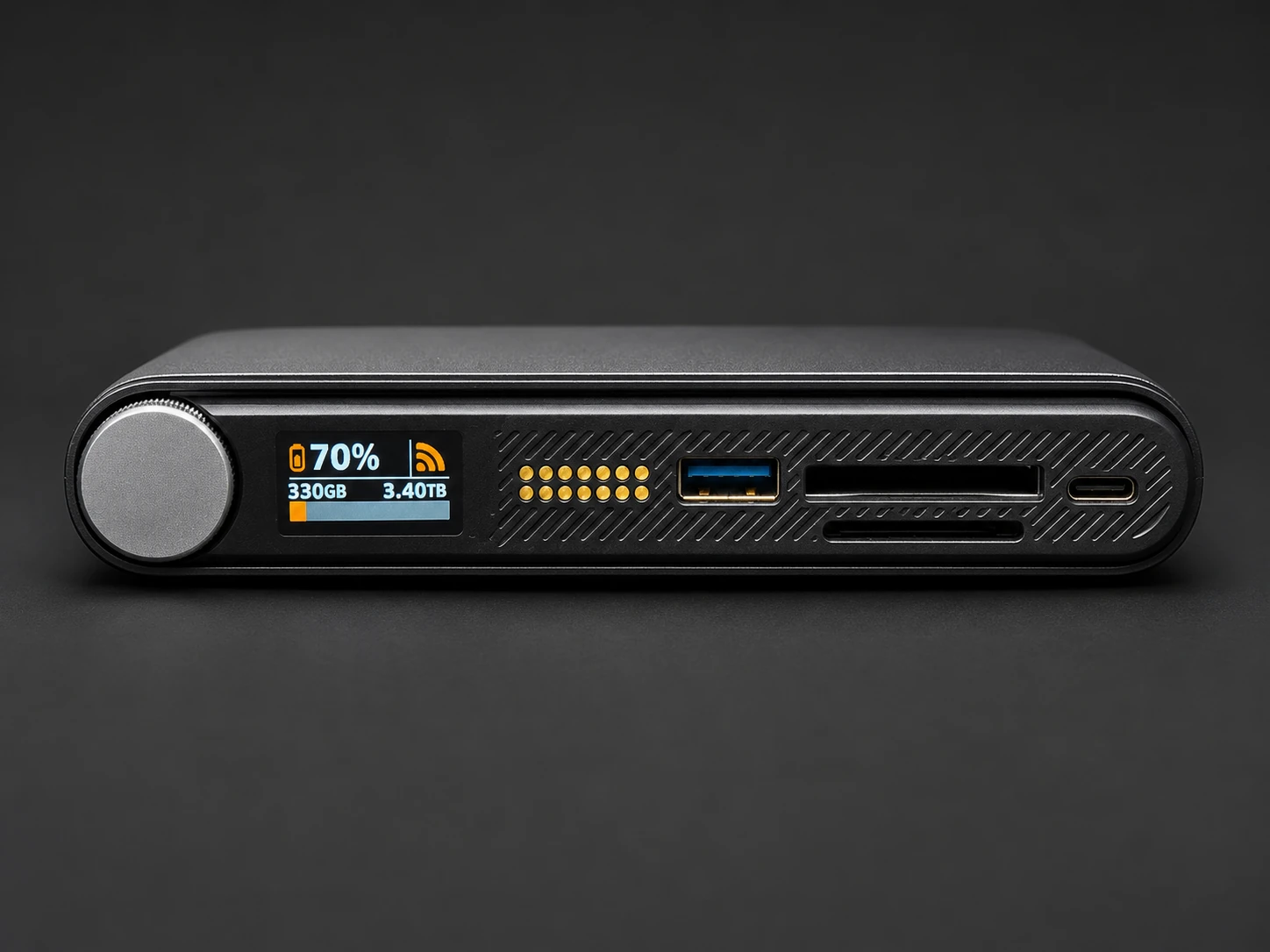
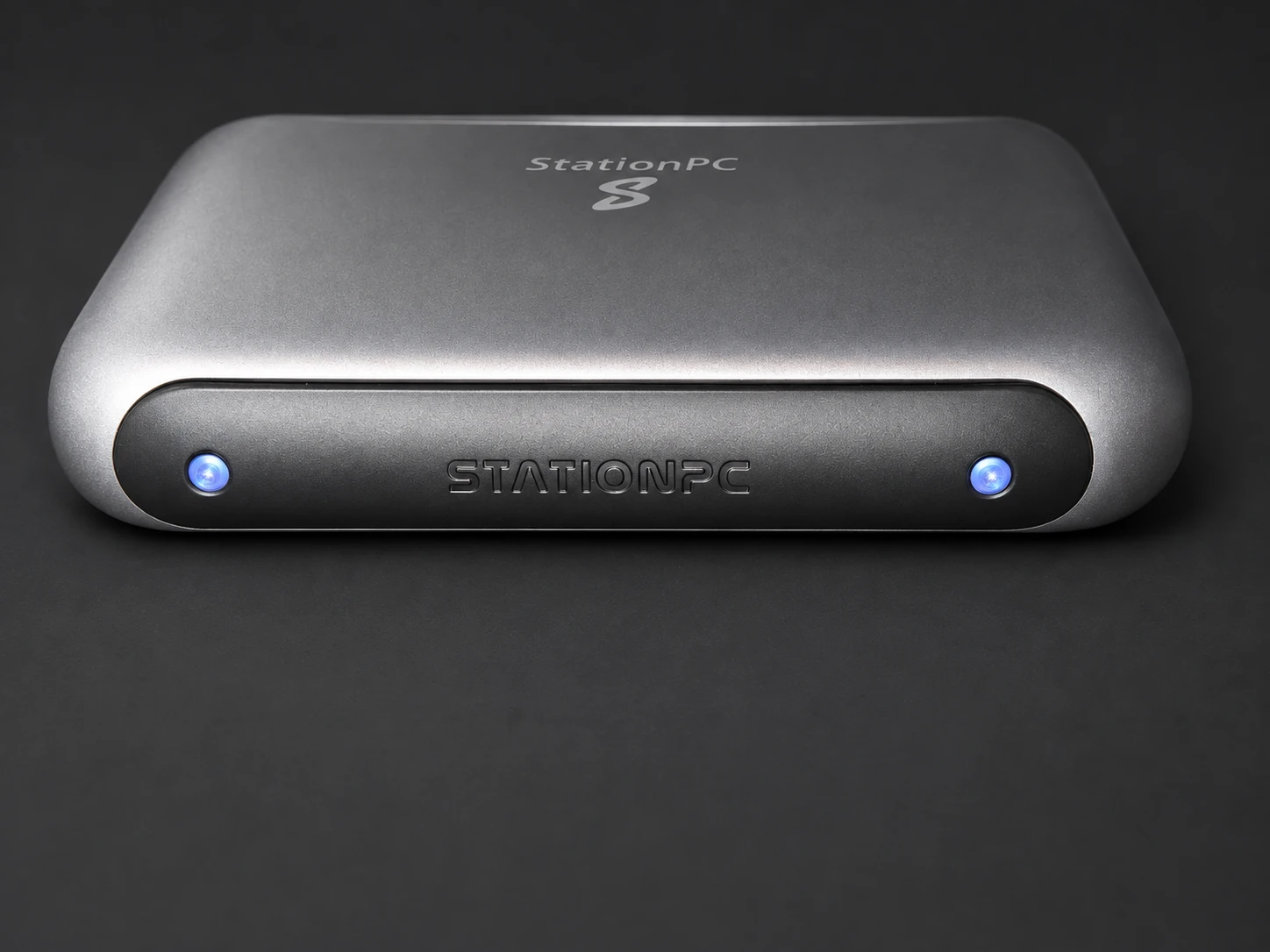
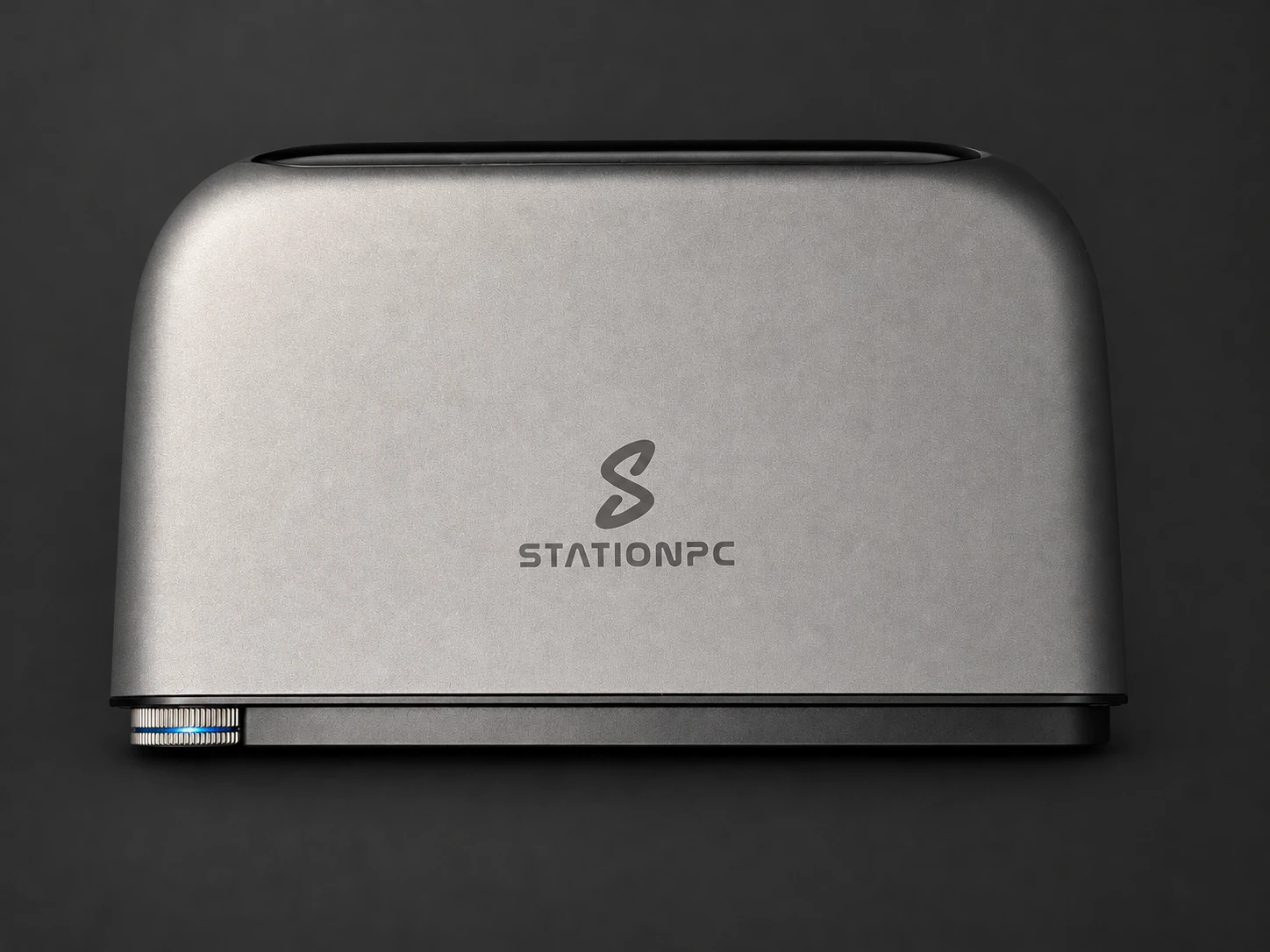
The PA100 Pro is a portable NAS: a small storage with network functions that houses an M.2 NVMe SSD. According to the manufacturer, the concept includes a battery, WLAN 6, card slots for SD and CFexpress Type B as well as backing up without a laptop. The StationCloud app adds file access and photo management. The dock adds, among other things, another SSD slot and a network connection. The manufacturer also promotes private cloud functions and remote access.
At first this sounds great for my photography. After a day of shooting, I want to back up the card, look through my pictures on my phone and later transfer the files to my normal storage without any major detours. It is precisely this combination of mobile backup and access at home that makes the device so attractive.
I came across a lot of advertising for it on the Internet. At some point I wanted to know for myself whether this practical idea would also fit my routine. So I bought the StationPC. My report describes my experiences with my own device and equipment.
My test setup
| component | Used in my test |
|---|---|
| device | StationPC PA100 Pro / EU |
| Internal memory | I installed a 4TB M.2 SSD |
| Memory card | SanDisk Extreme PRO CFexpress, Type B, 256GB; advertised with up to 1,700 MB/s read |
| Computers | MacBook with Apple M4 Max |
| Operating system | macOS 27.0.1 (26A434) |
| Other components | StationPC dock and my NAS as the destination for further copying |
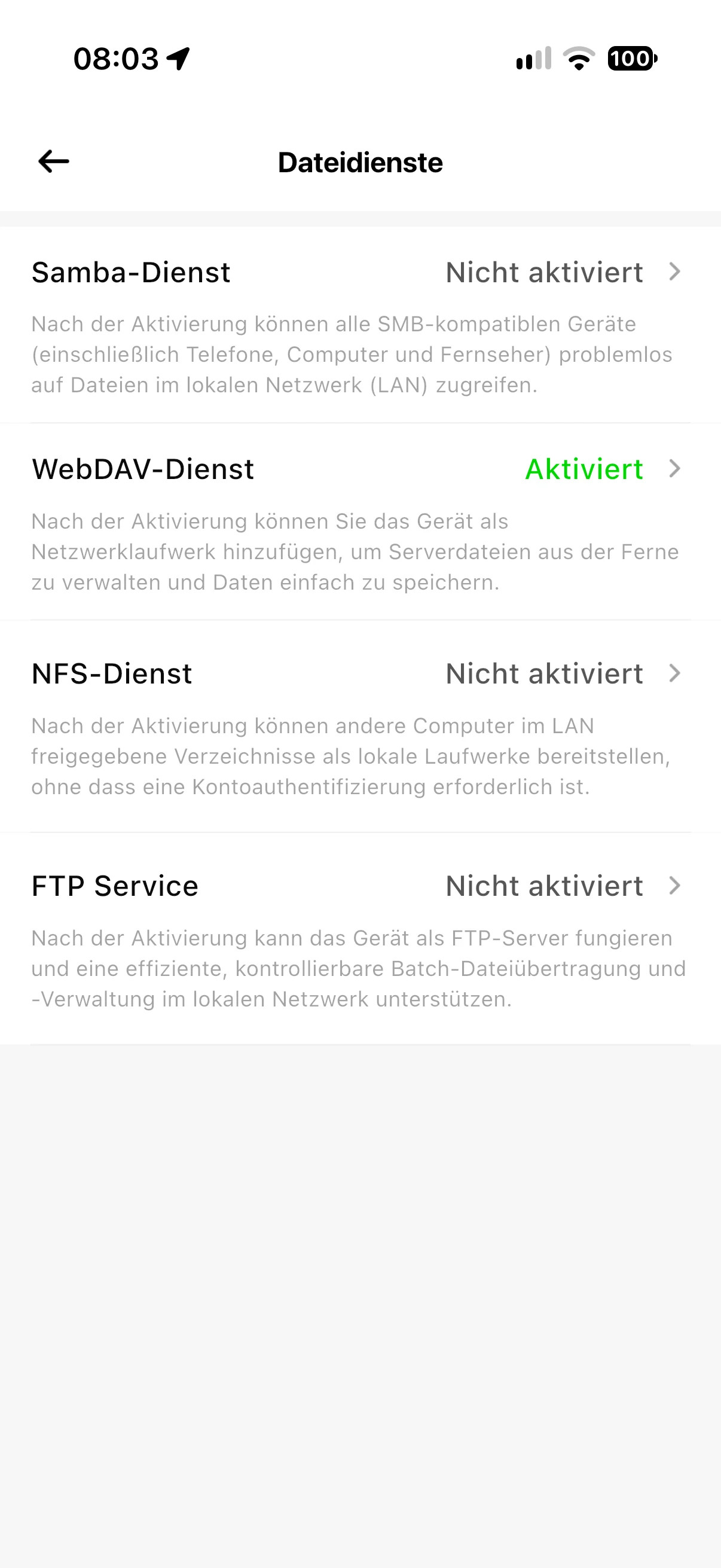
| File service used | WebDAV, activated in the StationCloud app and integrated on the Mac |
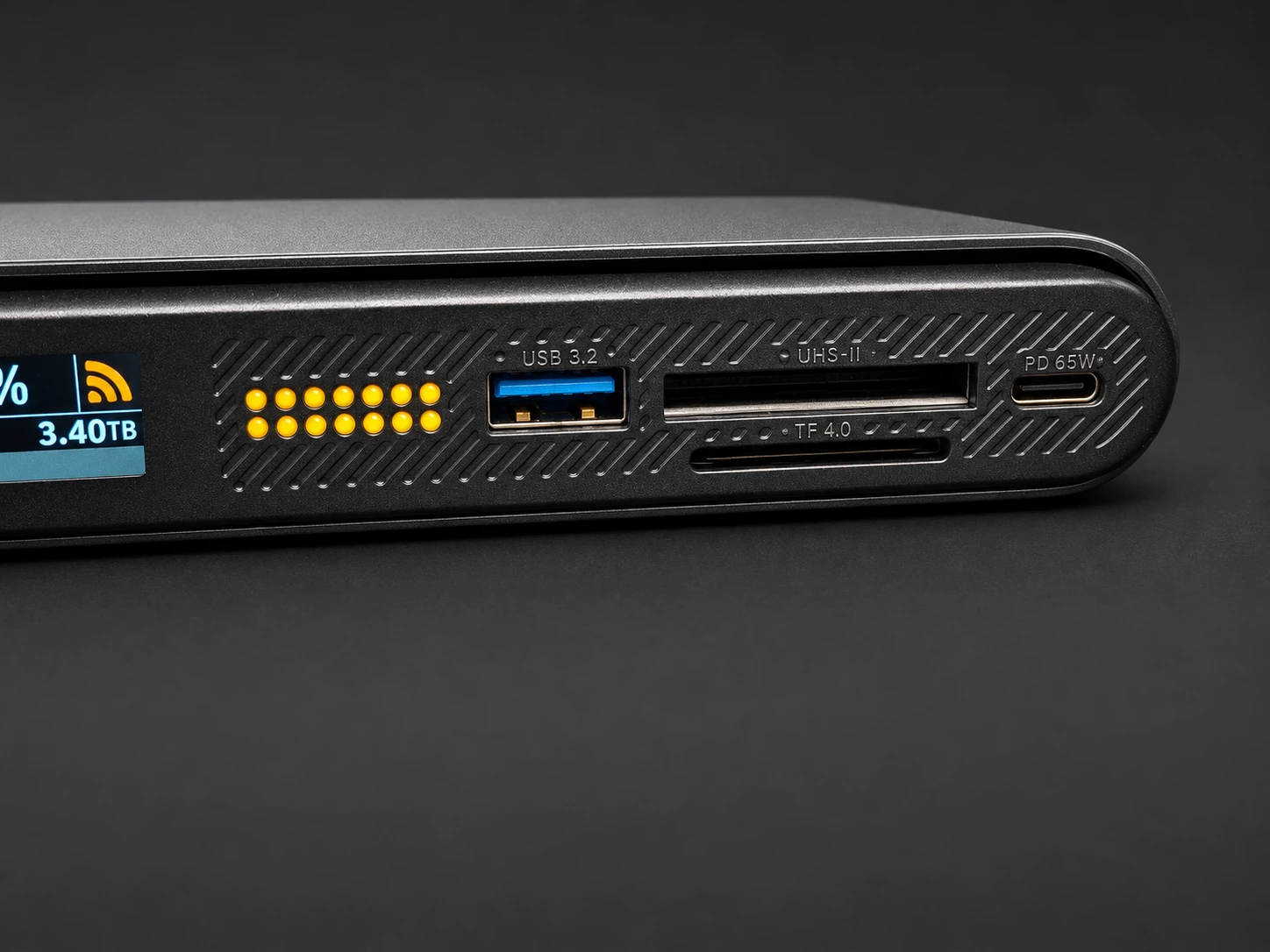
256 GB from CFexpress to the StationPC: around 30 minutes
For the first step, I inserted my SanDisk Extreme PRO CFexpress Type B with 256 GB into the StationPC and copied the data to the built-in memory. This process took me about 30 minutes.
Personally, I think that's quite a long time for 256 GB. Nevertheless, for me that would still be a point that I could live with: If the backup is then reliably available and can be further processed easily, I can plan half an hour.
The read rate of up to 1,700 MB/s mentioned on the card is not a guaranteed speed for this entire copying process. Card reader, target SSD and processing in the device are also part of the process. My 30 minutes is observation with my combination and not an isolated speed test of the card.
USB-C on the Mac: I was expecting a normal drive
The next step should actually be simple: USB-C cable to the MacBook, open the drive, continue copying pictures. That's exactly how I imagined it. In my experiment, the StationPC did not appear in the Finder like a normal external storage device.
This bothered me much more than the first copy time. A device for backing up my photos should also be easy for me to read afterwards. Instead, I first had to deal with the app and different access options.
MTP on a Mac: extra software instead of a removable drive
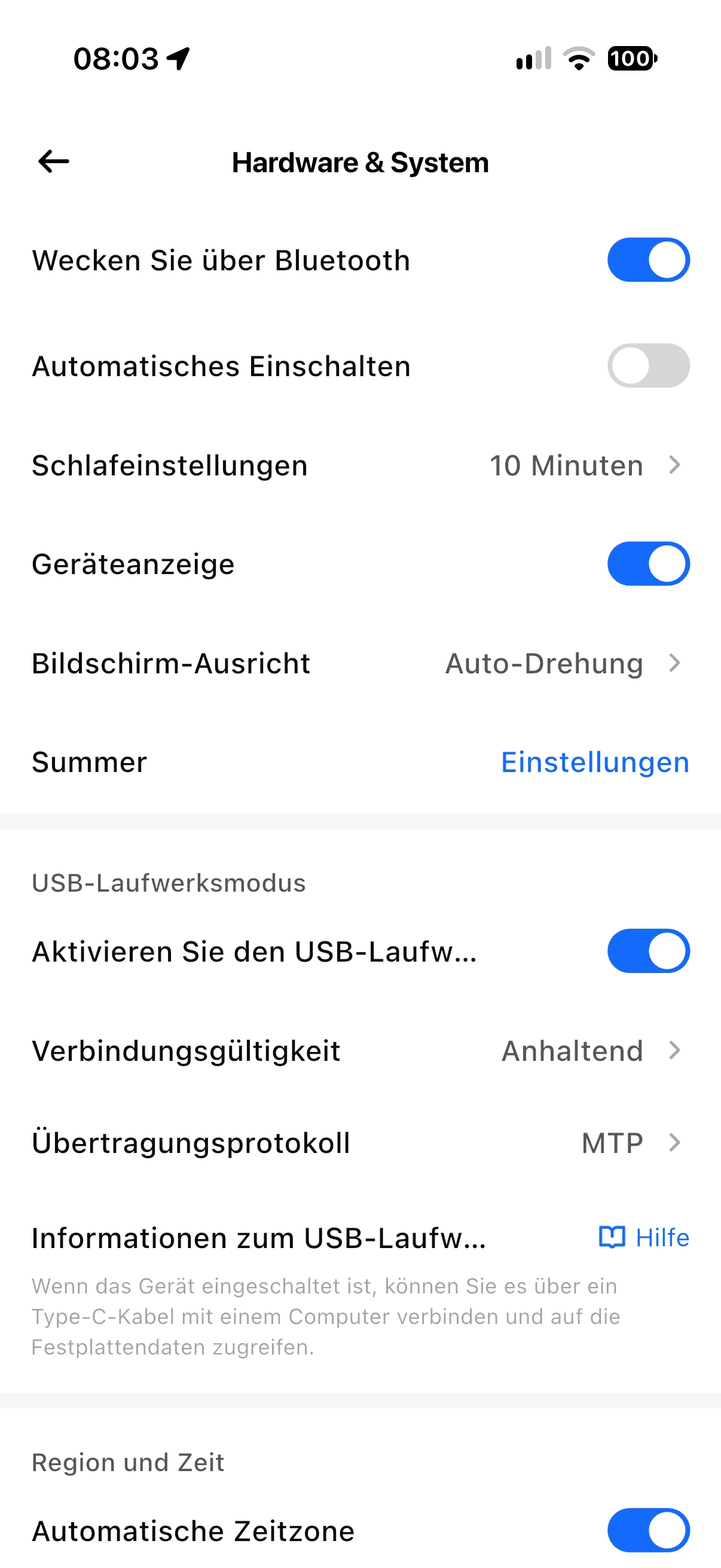
When I enable MTP on the StationPC, I need additional software on my Mac to access the data. In this mode, the device cannot be connected as an ordinary USB removable drive in Finder like an external SSD. This is exactly the extra hurdle I criticise: plugging it in and immediately accessing my files was not possible with my MTP setup.
The manufacturer’s help page specifies OpenMTP for this purpose. For Windows, it describes MTP access through “This PC”. Separately, it lists a UMS mode intended to appear as a virtual drive in Finder. That is a different transfer mode and does not change the need for an additional application when using MTP on a Mac.
I have not documented successful access through OpenMTP or a comparison using UMS here, and I did not test Windows myself. For my actual access, I eventually mounted the storage on my Mac through WebDAV.
I was able to integrate the storage on the Mac via WebDAV
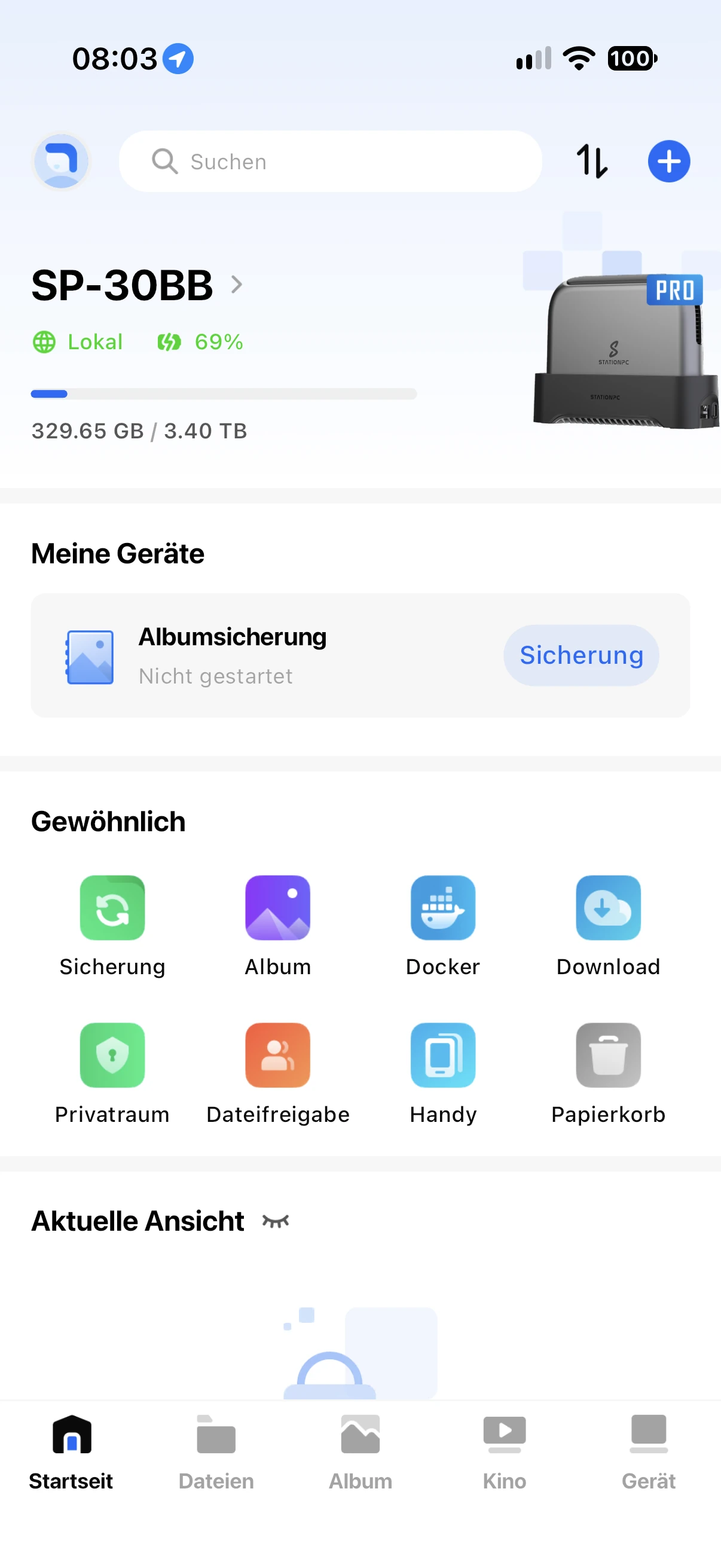
Different file services can be activated in the app. I have WebDAV turned on and integrated the storage on the Mac as a network drive. This finally gave me access to the files.
I was fine with this path. At the same time, I ask myself: How is someone without IT knowledge supposed to deal with this? I wanted to use a backup device for my photos and instead had to deal with a file service and mounting a network drive. For me this is an unnecessarily high level of effort for a basic task.
The copy attempt to my NAS took about eight hours
I then wanted to copy the 256 GB from the StationPC to my NAS via the Mac. This process took approximately eight hours. That's far too long for my process - especially compared to the uncomplicated copying that I was hoping for from the device.
What is important is which route I actually used: Access was via the WebDAV drive integrated into the Mac to the NAS. This was not an isolated test of a direct USB-SSD connection. Duration describes this entire chain of transmission; I did not separately measure which component had the largest share.
When I wanted to check after about eight hours whether the files had been copied, the StationPC was switched off. I was unable to confirm that this copying process was completed successfully.
On the dock – and still turned off in the end
The StationPC was on the dock for this long transfer attempt. The dock was connected directly to my MacBook with a USB-C cable. I assumed that the device would be supplied with sufficient power.
In my opinion, the supply in this setup was not sufficient during copying, because when I checked later the device was switched off. I didn't measure whether the battery was actually discharged faster than it could be recharged or whether another reason led to it switching off.
To classify: The manufacturer names one for the dock 12V 2.5A PD power supply. The USB-C connection on my MacBook alone does not prove that this supply was present in my setup. I did not record the actual power consumption and the charging power delivered.
After reconnecting, my data could no longer be found
That was by far the biggest disappointment for me: After I connected the StationPC to power again, I could no longer find the data that was previously on the built-in memory. From my perspective, my backed up files were gone.
The temporal connection with the device being switched off made me suspect that the power outage had something to do with it. I was unable to clarify whether the files were actually deleted, the file system was damaged or access no longer worked for another reason. I cannot therefore claim that the PA100 Pro always deletes all data when the battery is empty.
Experience is still crucial for my trust in a backup device: I had copied my images to the memory and could no longer find them again after this process. In my opinion, this is exactly what cannot remain unexplained when it comes to a solution that I would like to rely on to secure my photos.
My results at a glance
| step | My observation | My rating |
|---|---|---|
| CFexpress → internal memory | 256GB in about 30 minutes | Slow for me, but still acceptable |
| USB-C on MacBook | In MTP mode used, no ordinary drive in Finder | More complicated than expected; I have not tested other USB modes |
| WebDAV on Mac | Storage could be integrated as a network drive | Access possible, but additional setup effort |
| StationPC → Mac → NAS | Transmission attempt over approximately eight hours; when checking, turn off the device | Impractical for my routine; Graduation not confirmed |
| After reconnecting the power | Previously saved files can no longer be found by me | Lost trust in my photo backup; Cause unclear |
There has been no response to my support emails so far
I contacted support via email. As of this report on November 9, 2026 I haven't received a response to my emails. Especially after this experience, I would have expected an explanation: what happened, how do I get my files back and how do I prevent it from happening again?
So for me a crucial part remains open. The cause is not clear and my trust has not been restored.
The app is handy – but my backup has to work first
I think it's good that I can access my pictures via an app and view them on my phone. I also still really like the basic concept of a mobile storage device with a card reader and dock.
For me, however, the most important task is something else: I want my photos to be safe and I want to be able to copy them to my normal storage without much difficulty. Additional functions are of little help to me if I don't feel comfortable with exactly this core part of my work.
MY VERDICT
Good idea, but I didn't think it through
I really wanted to like the StationPC PA100 Pro. The idea is attractive for photographers: back up on the go, view on your phone and continue working at home. That's why I bought the device myself.
I could have accepted the 30 minutes or so for 256 GB from the CFexpress card. However, the inconvenient access in my Mac setup, the approximately eight-hour transfer attempt and, above all, the files that can no longer be found afterwards are significantly more difficult for me. A technical explanation is still pending for me; I have not yet received a response to my support emails.
After this experience, I cannot recommend the StationPC PA100 Pro with full conviction. For me, a photo backup must above all be reliable and usable without unnecessary hurdles. The many interesting additional functions do not replace this trust.